
Ever get tired of backing all the way out of the application you are in to find the setup menu, having to hunt and search for a setting you want to change, and then trying to find your way back where you were when you realized you needed to change the setting?
Do you wish you could have easy one touch access to just the menu items and setup options you need, without all those key presses?
Have you ever needed to work through multiple setup items just to make your GPSr behave the way you needed it too? Wouldn't it be great if you could activate multi-function macros with a single touch?
With the Montana, the future is now. Digging several layers deep into complex setup menu structures is ancient history!
Montana users can create simple one function shortcuts or complex multi-function macros for quick and easy access right from the main menu or dashboard!
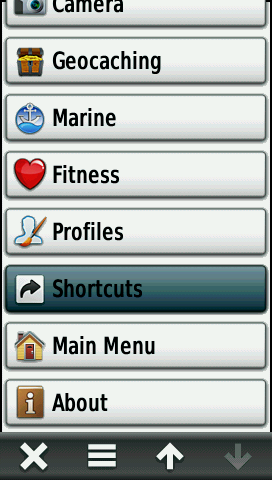
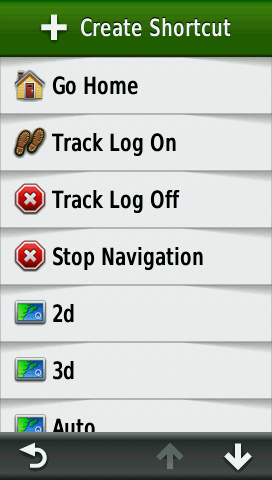
View ShortcutsSee a complete list of available shortcuts on your Montana: |
||||||
| ----- |
----- |
----- |
||||
 |
 |
 |
 |
|||
| Select [Setup] |
Scroll menu to [Shortcuts] |
Select [Shortcuts] |
See your shortcuts! |
|||
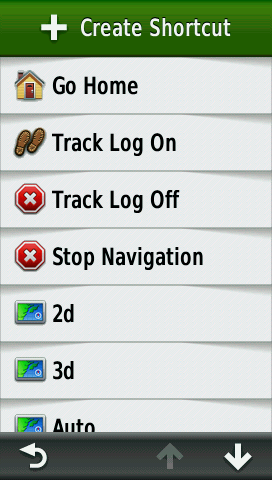
Set Home LocationAssign a waypoint or location to the Go Home Shortcut: |
||||||
 |
 |
 |
 |
|||
| Access Shortcut Menu |
Select [Go Home] |
Select [Edit] |
Select [Where To?] |
|||
 |
 |
 |
 |
|||
| Nearby Waypoints Listed |
Waypoint Selection Options |
Choose a Waypoint |
Waypoint Assigned |
|||
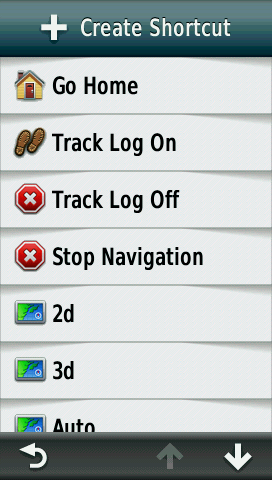
Create New ShortcutThis example creates a shortcut to enable shaded relief and activate the map application: |
||||||
 |
 |
 |
 |
|||
| Select [+ Create Shortcut] |
A new shortcut is created |
Select [Setup] |
Select [Shaded Relief] |
|||
 |
 |
 |
 |
|||
| Select [Show if Available] |
Setup count is adjusted |
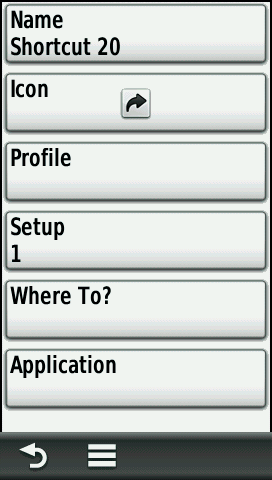
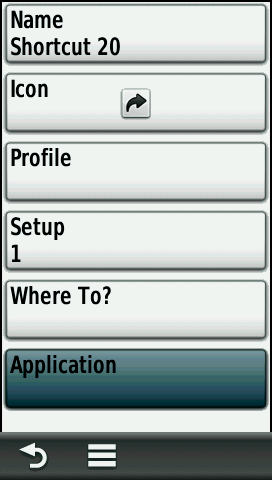
Select [Application] |
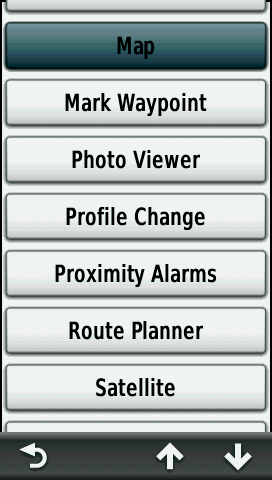
Select [Map] |
|||
 |
 |
 |
 |
|||
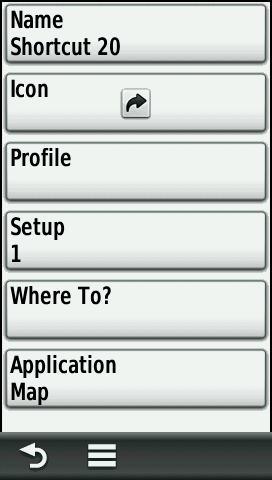
| Application count is adjusted |
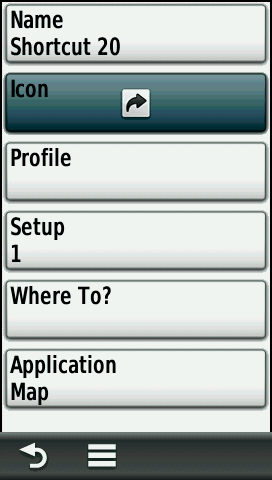
Select [Icon] |
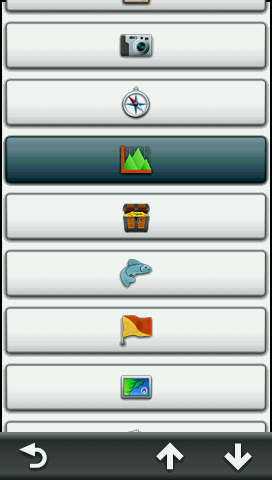
Choose an icon |
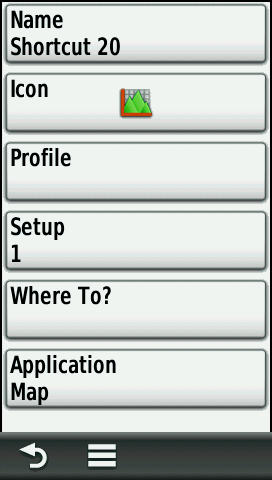
New icon is displayed |
|||
 |
 |
 |
 |
|||
| Select [Name] |
Type a name |
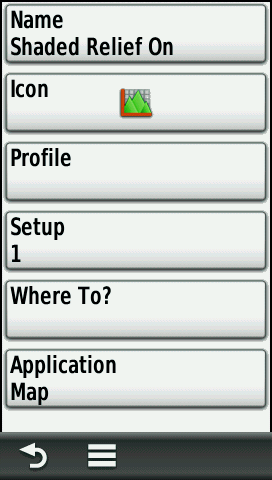
Name is updated |
Use menu to clear all items |
|||
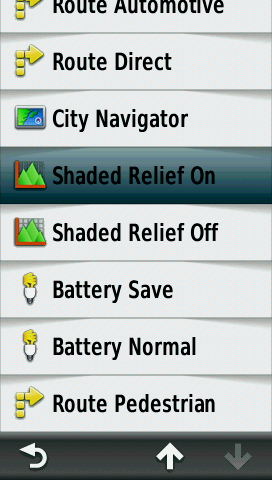
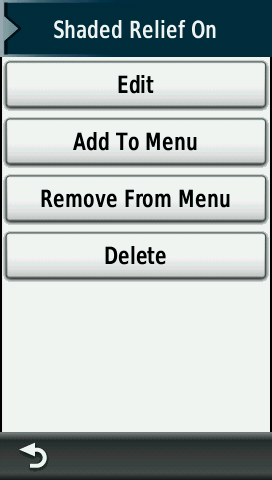
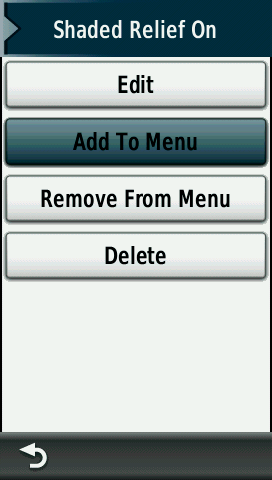
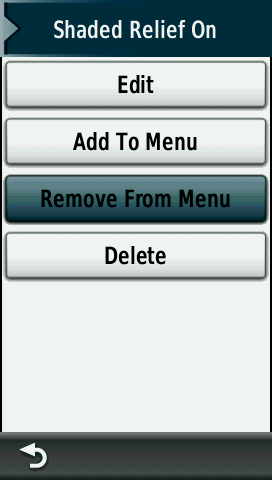
Manage ShortcutEdit, Delete, Add or Remove existing shortcuts from various menus: |
||||||
|
 |
 |
 |
|||
| Access Shortcut Menu |
Select shortcut to manage |
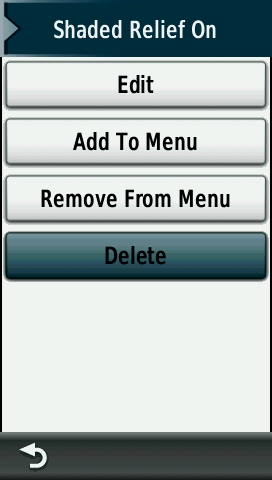
Primary management menu |
Select [Edit] to
modify setup |
|||
 |
 |
 |
 |
|||
| [Add To menu] |
Choose desired menu |
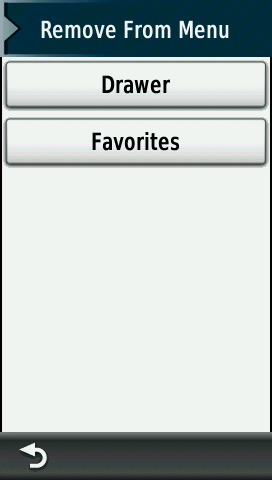
[Remove From Menu] |
Choose menu for removal |
|||
 |
 |
 |
 |
|||
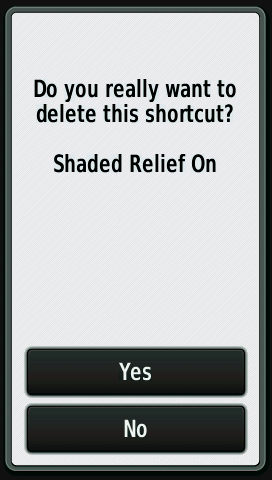
| [Delete] |
Are you sure? |
[Yes] Delete shortcut |
[No] Return to primary menu |
|||
Edit Shortcut NameCreate a title for the selected shortcut: |
||||||
|
 |
 |
 |
|||
| Access shortcut setup menu |
Select [Name] |
See current name |
Enter new name |
|||
Icon OptionsChoose an icon to represent the selected shortcut: |
||||||
|
 |
 |
 |
|||
|
Access shortcut setup menu |
Select [Icon] |
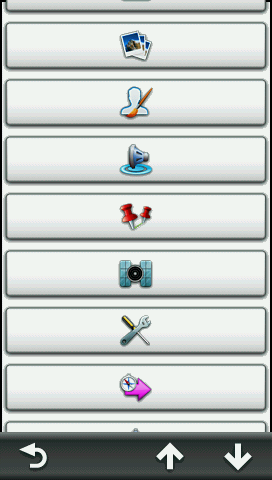
Browse icon menu |
Icon menu continued |
|||
 |
 |
 |
 |
|||
| Icon menu continued |
Icon menu continued |
Icon menu continued |
Icon menu continued |
|||
 |
 |
 |
 |
|||
| Icon menu continued |
Icon menu continued |
Icon menu continued |
Icon menu continued |
|||
Profile OptionsActivate a specific profile when the shortcut is selected: |
||||||
|
 |
 |
||||
|
Access shortcut setup menu |
Select [Profile] |
Choose a profile to activate |
||||
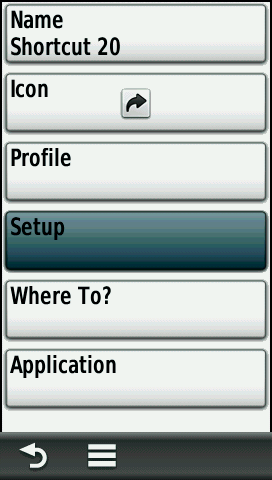
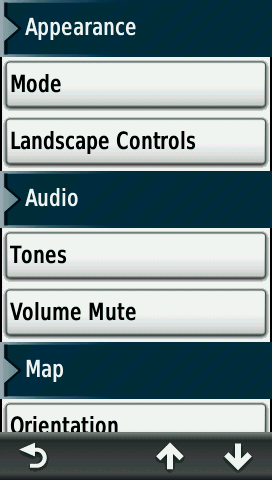
Setup MenuChange commonly used system settings and enable/disable installed maps: |
||||||
|
 |
 |
 |
|||
|
Access shortcut setup menu |
Select [Setup] |
Browse setup categories |
More setup categories |
|||
 |
 |
 |
||||
| More setup categories |
More setup categories |
Final setup Categories |
||||
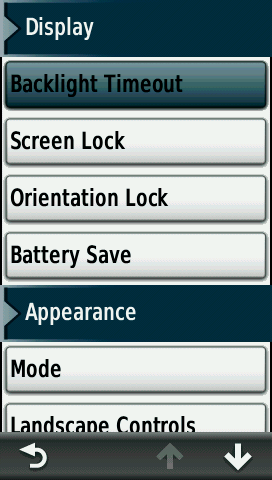
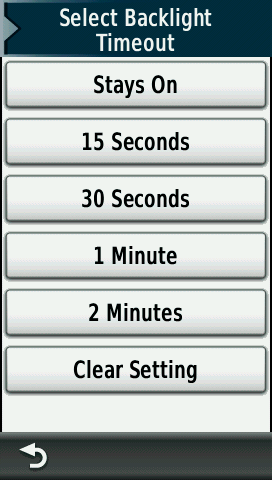
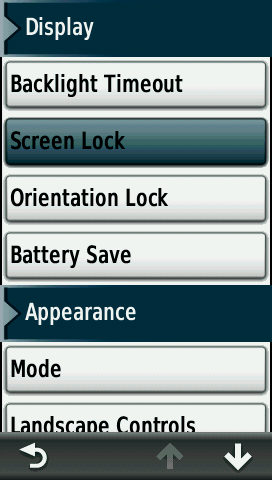
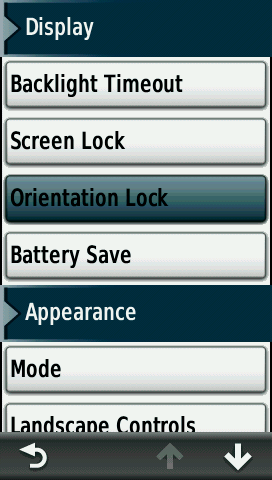
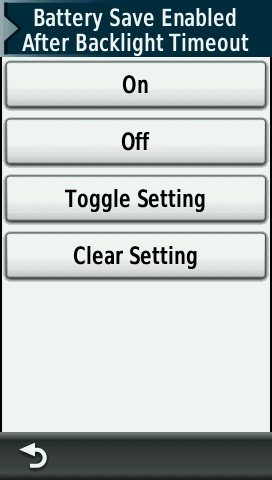
DisplayConfigure display preferences: |
||||||
 |
 |
 |
 |
|||
| [Backlight Timeout] |
Option Menu |
[Screen Lock] |
Option Menu |
|||
 |
 |
 |
 |
|||
| [Orientation Lock] |
Option Menu |
[Battery Save] |
Option Menu |
|||
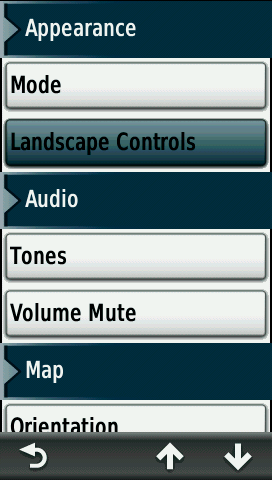
AppearanceAdjust mode and landscape options: |
||||||
 |
 |
 |
 |
|||
| [Mode] |
Choose a mode |
[Landscape Controls] |
Choose a side |
|||
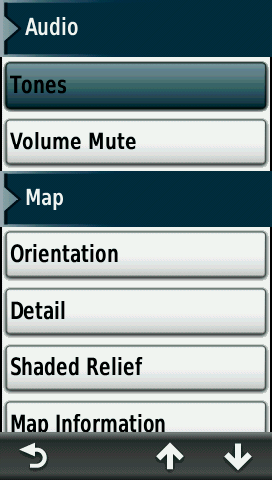
AudioEnable/disable tones and/or mute the device: |
||||||
 |
 |
 |
 |
|||
| [Tones] |
Choose a mode |
Select [Volume Mute] |
Choose a mute option |
|||
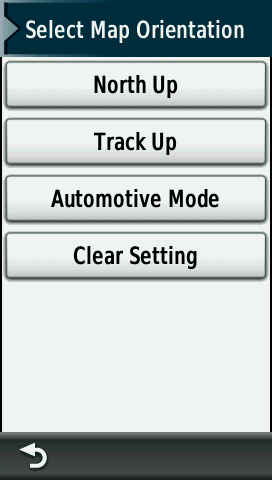
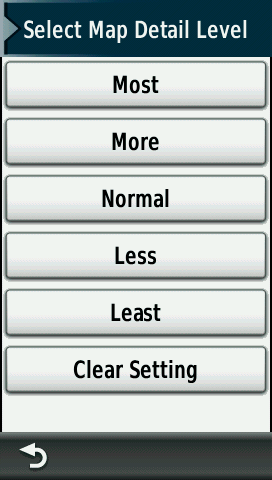
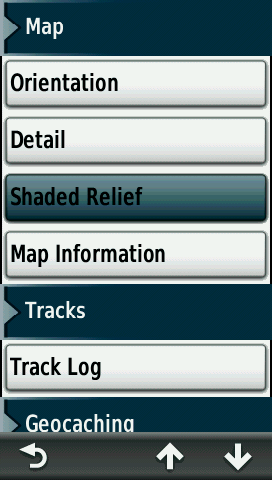
MapEnable/disable maps and adjust map application display preferences: |
||||||
 |
 |
 |
 |
|||
| [Orientation] |
Choose map orientation |
[Detail] |
Choose map detail level |
|||
 |
 |
 |
 |
|||
| [Shaded Relief] |
Choose shading option |
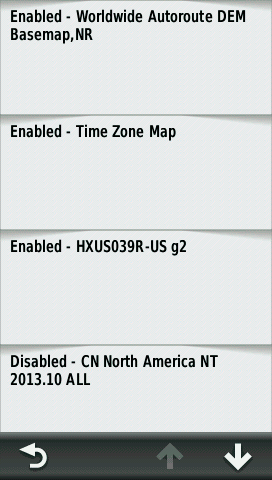
[Map Information] |
Enable/Disable maps |
|||
TracksChange track log preferences: |
||||||
 |
 |
|||||
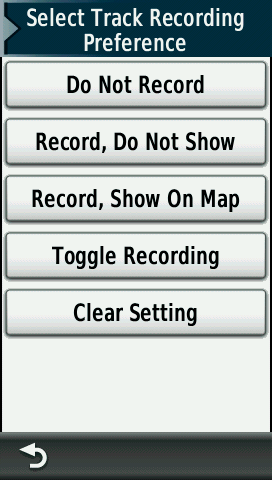
| [Track Log] |
Choose Track Record option |
|||||
GeocachingAccess chirp™ functions: |
||||||
 |
 |
|||||
| [chirp™ Searching] |
Choose search option |
|||||
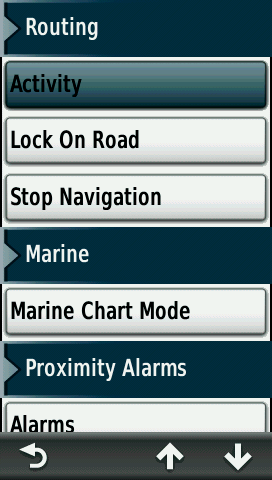
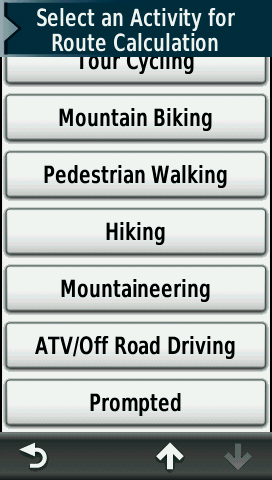
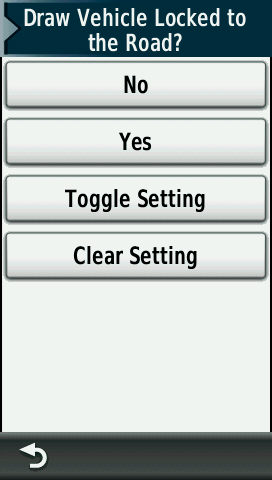
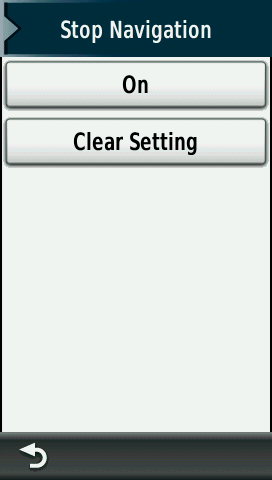
RoutingChoose desired routing options: |
||||||
 |
 |
 |
||||
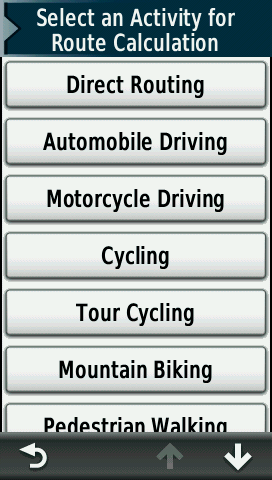
| [Activity] |
Choose activity |
More activities |
||||
 |
 |
 |
 |
|||
| [Lock on Road] |
Choose option |
[Stop Navigation] |
Choose option |
|||
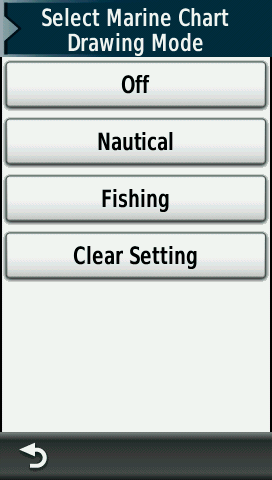
MarineSelect desired marine chart mode: |
||||||
 |
 |
|||||
| [Marine Chart Mode] |
Choose mode |
|||||
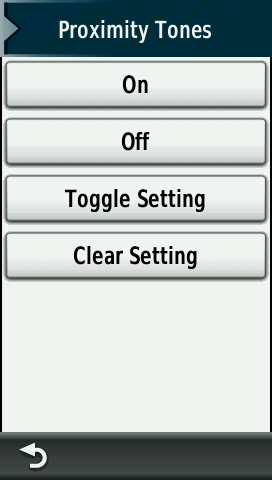
Proximity AlarmsEnable/disable proximity alarms: |
||||||
 |
 |
|||||
| [Alarms] |
Choose option |
|||||
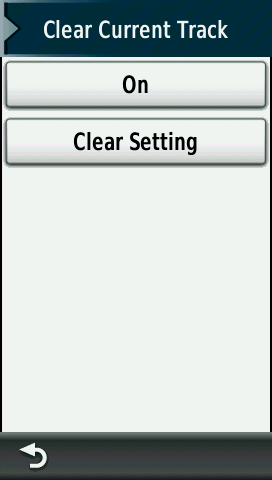
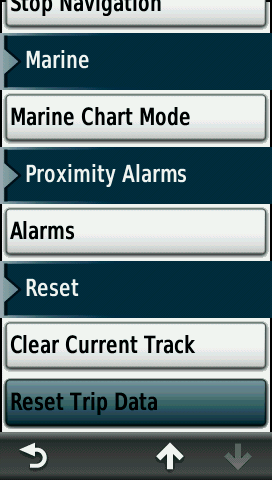
ResetClear current track and trip data: |
||||||
 |
 |
 |
 |
|||
| [Clear Current Track] |
Choose option |
[Reset Trip Data] |
Choose option |
|||
Where To?Change the navigation destination to a selected waypoint when activating the shortcut: |
||||||
 |
 |
 |
||||
| [Where To?] |
Choose a waypoint |
Waypoint selection options |
||||
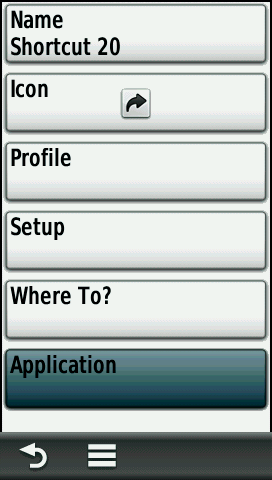
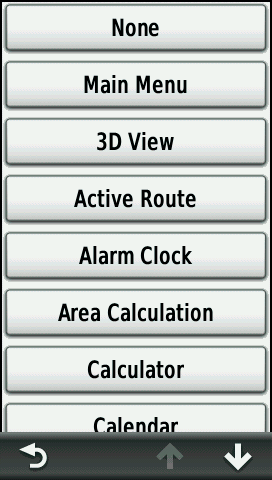
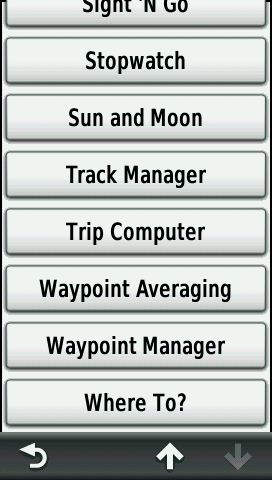
ApplicationLaunch any application with the selected shortcut: |
||||||
 |
 |
 |
 |
|||
| [Application] |
Choose application to run |
Application list continued |
Applications list continued |
|||
 |
 |
|||||
| More applications |
End of application list |
|||||
