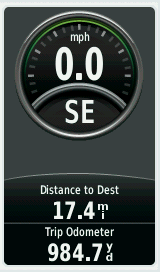
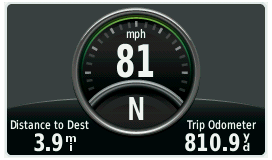
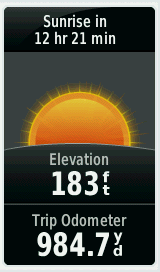
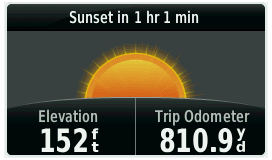
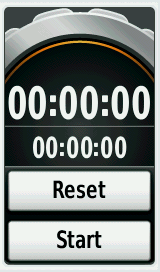
- The Montana 6x0 series provide access to a total of 12 Dashboards.
- Each Dashboard is a custom grouping of data that can be helpful while performing specific or general tasks.
- Dashboards are available individually on each Main Menu page, on the Status page, and within the Map, Compass and Trip Computer applications.
Dashboard: Show/Hide
Having a dashboard on the map can be extremely useful, but is not always necessary. With the Montana, there is no need to leave the map to change your setup just so that you can see more of the map. Simply touch the small chevron at the edge to quickly show or hide the active dashboard with a single swipe.