
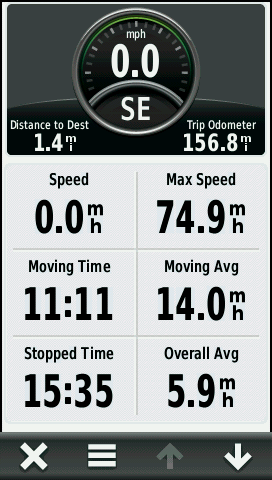
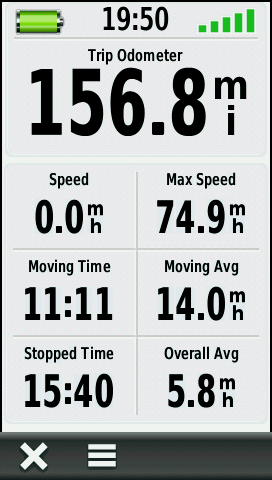
The Trip Computer displays your current speed, maximum speed, trip odometer, and many other useful statistics.
Trip Computer odometer vs. Track Log distance
 |
=/= |
 |
=/= |
 |
=/ |
 |
|---|---|---|---|---|---|---|
| Trip Computer with Automotive Dashboard |
 |
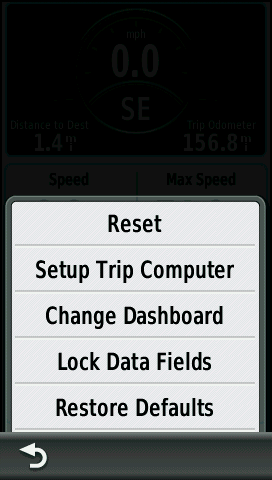
Before beginning a trip, select [Reset] and [Reset Trip Data] to obtain accurate trip information. |
||||
 |
 |
 |
 |
|||
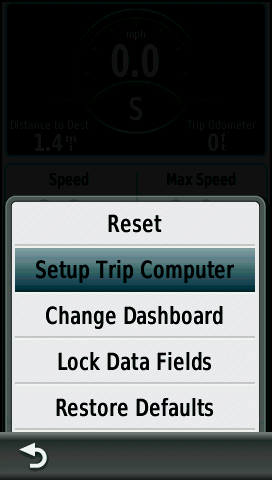
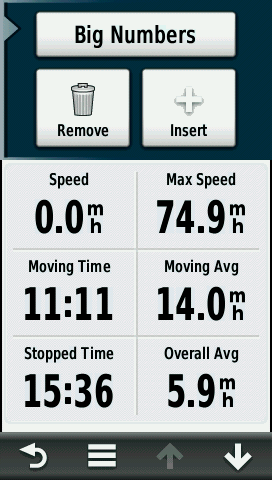
| Adjust Trip Computer Preferences |
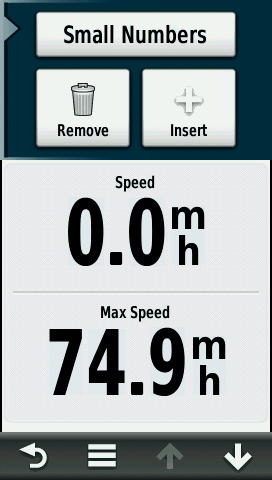
[Small Number] Data Fields |
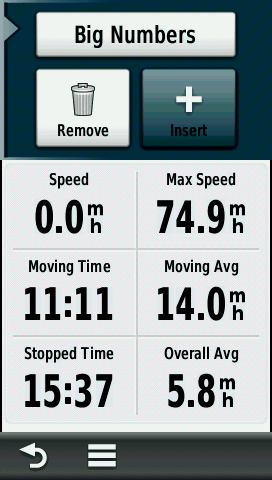
[Big Number] Data Fields |
[Insert] Add an additional Data Field page (max 10) |
|||
 |
 |
 |
 |
|||
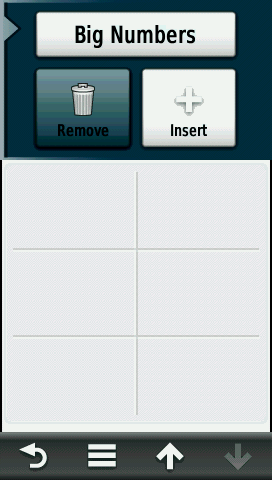
| [Remove] Delete visible Data Field page |
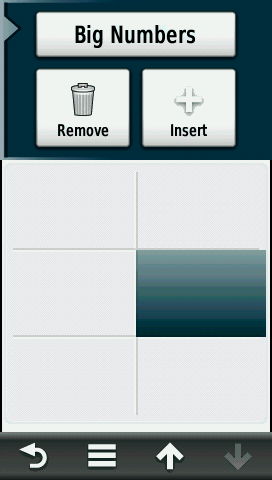
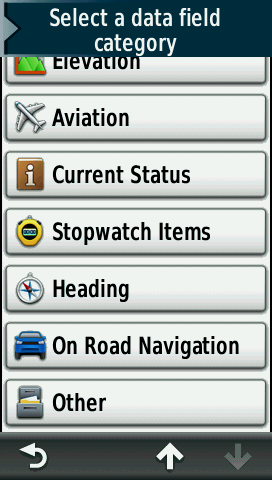
Select any Data Field to edit information displayed |
Select from available Data Field categories. For detailed data field information, see Data Fields. |
||||
 |
 |
 |
 |
|||
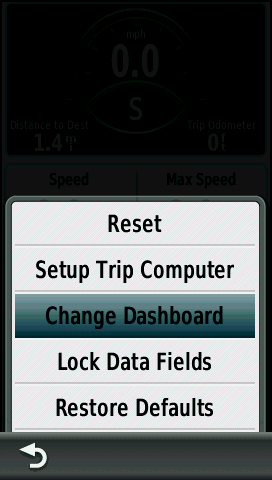
| Choose a Dashboard to use with Trip Computer |
Select from a list of available Dashboards |
Trip Computer with Large Data Field Dashboard |
Trip Computer with Small Data Fields Dashboard |
|||
 |
 |
 |
 |
|||
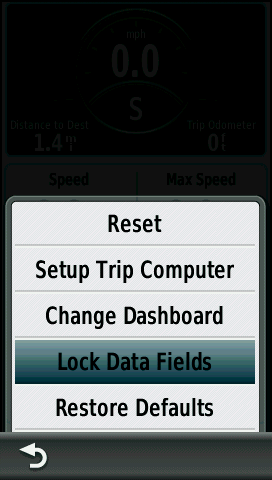
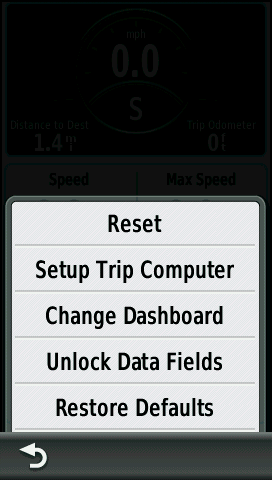
| [Lock Data Fields] Prevent Data Field editing |
Data Fields Locked |
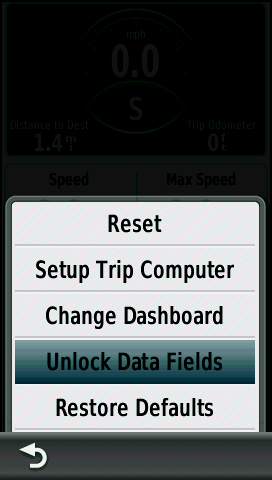
[Unlock Data Fields] Enable Data Field editing |
Data Fields Unlocked |
|||
