
Proximity Alarms alert you when you are within a specified range of a selected location.
 |
=/= |
 |
=/= |
 |
=/= |
 |
|---|---|---|---|---|---|---|
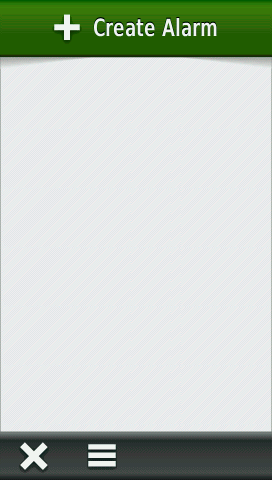
| Main Menu without any alarms to list |
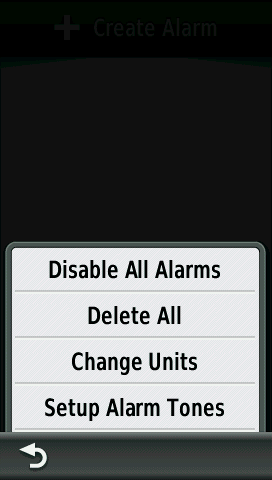
Main Menu Options |
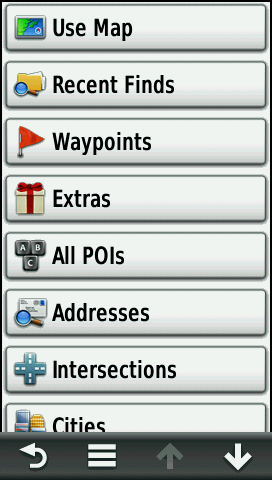
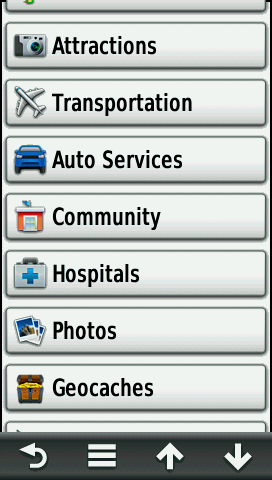
[+ Create Alarm] Categories |
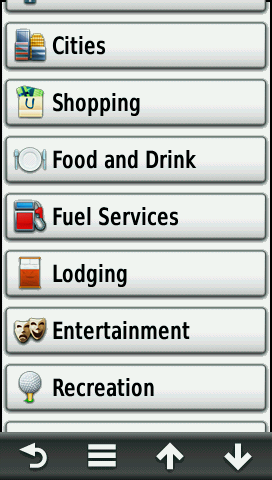
[+ Create Alarm] Categories (continued) |
|||
 |
 |
 |
 |
|||
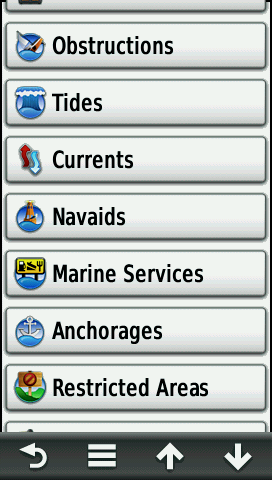
| [+ Create Alarm] Categories (continued) |
[+ Create Alarm] Categories (continued) |
[+ Create Alarm] Categories (continued) |
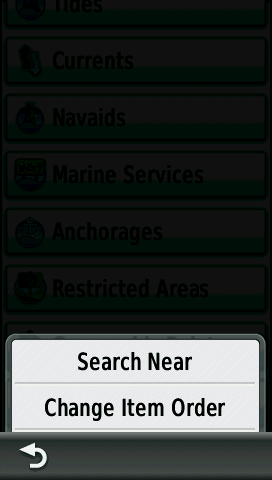
[+ Create Alarm] Menu Options |
|||
 |
 |
 |
 |
|||
| [Fuel Services] and [Shell] selected |
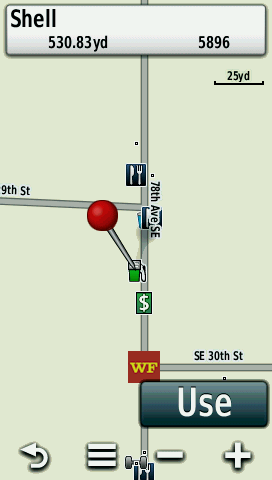
[Use] Selection viewed on map |
Enter 000.25 mile radius and select OK check mark |
Main Menu with new Proximity Alarm listed |
|||
 |
 |
 |
 |
|||
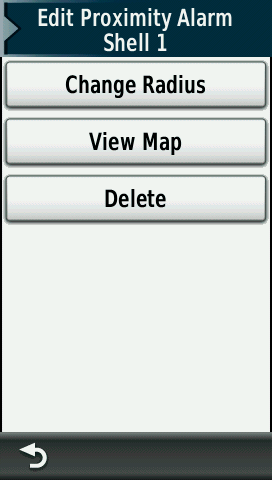
| Select [Shell 1] to edit Proximity Alarm details |
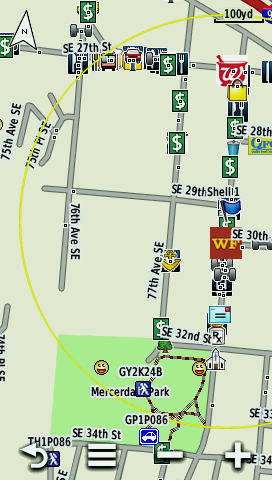
[View Map] Proximity Alarm boundary shown in yellow |
Approaching Proximity Alarm boundary while navigating |
Proximity Alarm visual alert presented with audible tone |
