|
|
|
|
|
TopoActive Maps |
|
|
|
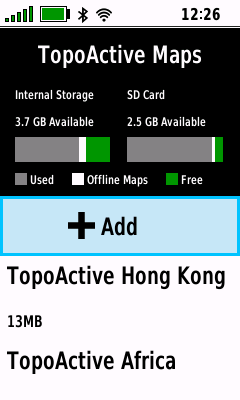
TopoActive Map List |
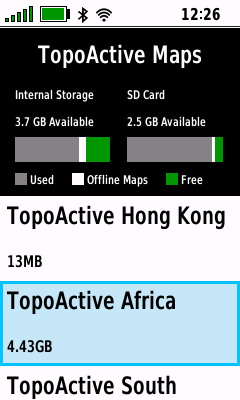
- Download new TopoActive maps or view installed
TopoActive maps
|
 |
 |
 |
 |
|
[+Add] |

 |
|
|
|
|
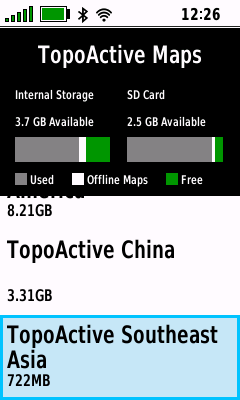
View Installed Maps |
View Installed Maps |
View Installed Maps |
|
|
|
|
|
|
|
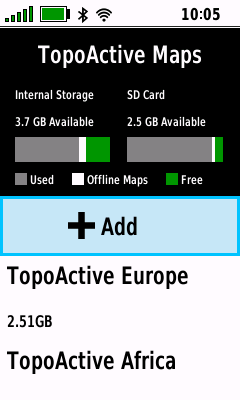
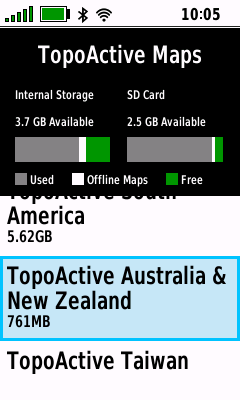
Map Information |
- View available details for the selected TopoActive map
|
 |
 |
 |
|
|
|
Select Desired Map |
View Map Details |
|
|
View Installed Maps |
Press (Enter) |
|
|
|
|
|
|
|
|
|
Update TopoActive Map |
- Update an installed TopoActive map when a newer version
is available (Wi-Fi must be
enabled)
|
 |
 |
 |
 |
|
Select Desired Map |
Press (Menu) |
Select [Update] |
Map Update is Queued |
|
Press (Enter) |
|
Press (Enter) |
|
|
|
|
|
|
|
|
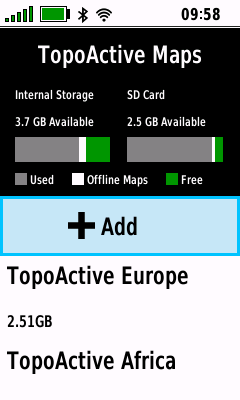
Storage Location |
- Choose desired location to save downloaded TopoActive
maps
|
 |
 |
 |
 |
|
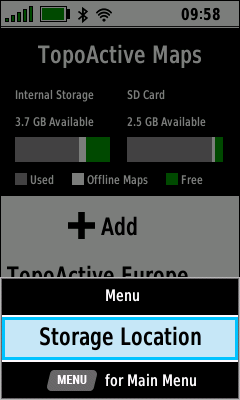
Press (Menu) |
Select [Storage Location] |
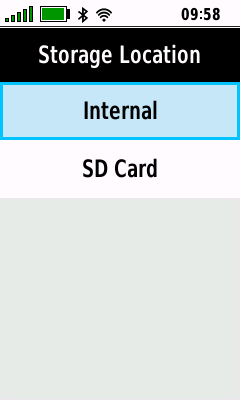
Select [Internal] |
Select [SD Card] |
|
|
Press (Enter) |
to use device memory |
to use external memory |
|
|
|
|
|
|
|
Add TopoActive Map |
- Download selected TopoActive map directly to your device
(Wi-Fi must be enabled)
|
 |
 |
 |
 |
|
Select [+Add] |
Current Map Data is Loaded |
|
Select Desired Map |
|
|
|
View Available Maps |
Press (Enter) |
|
|
 |
 |
 |
 |
|
View Map Details |
Select [Download] |
Map Download in Progress |
Map Download is Complete |
|
Press (Menu) |
Press (Enter) |
|
|
|
|
|
|
|
|
|
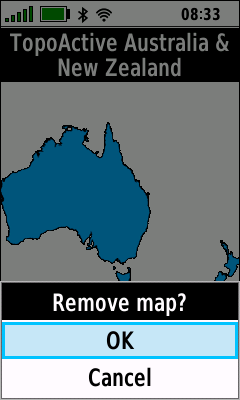
Remove TopoActive Map |
- Remove selected TopoActive Map from the device
|
 |
 |
 |
 |
|
Select Desired Map |
Press (Menu) |
Select [Remove] |
Select [OK] |
|
Press (Enter) |
|
Press (Enter) |
Press (Enter) |
|
|
|
|
|
|
|
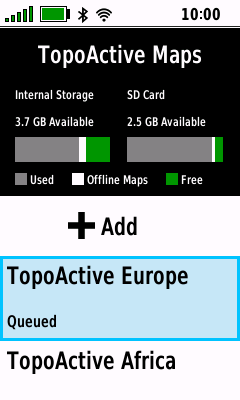
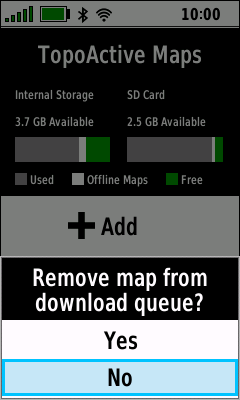
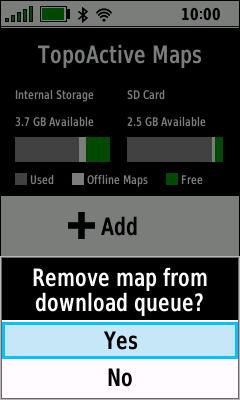
Cancel TopoActive Map Download |
|
|
- Remove a map download from the queue
|
 |
 |
 |
|
|
Select Queued Map |
Select [No] to Abort |
Select [Yes] to Remove |
|
|
Press (Enter) |
Press (Enter) |
Press (Enter) |
|
|
|
|
|
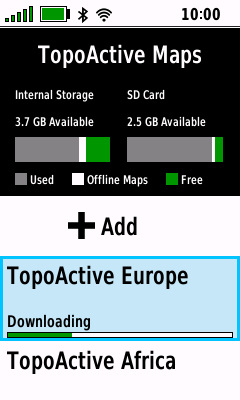
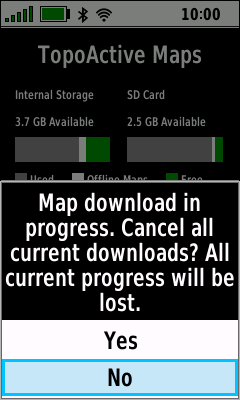
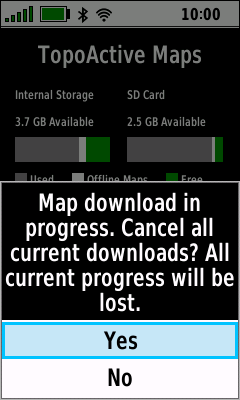
- Cancel a map download while in progress
|
 |
 |
 |
|
|
Select Download in Progress |
Select [No] to Abort |
Select [Yes] to Cancel |
|
|
Press (Enter) |
Press (Enter) |
Press (Enter) |
|
|
|
|
|
|
|

