
Paparazzi
- Take quality photos using the GPSMAP 64sc/64csx 8MP autofocus camera with LED flash.
- Each photo is geotagged with location and heading information.
- Share photos with friends, create Garmin Adventures, or navigate back to the photo's location in the future.
Settings
- Select [Setup > Camera] to configure:
- Photo Resolution
- 8MP (3264 x 2448)
- 5MP (2592 x 1944)
- 2MP (1600 x 1200)
- Save Photos To
- Internal Storage (GPSr\DCIM\1000GRMN)
- Data Card (If Present) (microSD\DCIM\1000GRMN)
- Flash
- Auto
- Always
- On
- Photo Resolution
Take Photo
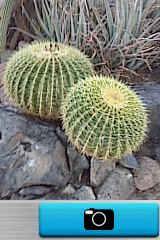 |
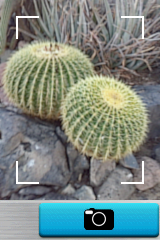 |
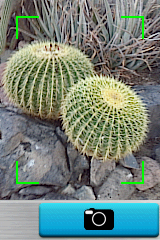 |
 |
|||||
|---|---|---|---|---|---|---|---|---|
| Frame your subject (press In/Out to zoom) |
Press and Hold (ENTER) to focus image |
Autofocus complete | Release (ENTER) to take photo |
Camera Roll
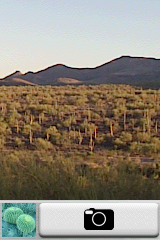 |
 |
 |
 |
|||||
|---|---|---|---|---|---|---|---|---|
| Select Thumbnail and press (ENTER) |
View Photo Full Screen | Use D-PAD to scroll photos | Use In/Out to zoom photo then D-PAD to pan photo |
